
Hilton Nashville Downtown, Nashville, TN, August 28, 2025
A local guide to getting a peaceful night at the Hilton Nashville Downtown. Learn practical tips: request a high-floor, park-facing room away from elevators and service areas; use the Hilton Honors app to pick rooms in advance; call ahead and be explicit at check-in; consider club-level or upgraded rooms in quieter wings; and pack earplugs, a white-noise machine or portable fan. Check for nearby events or construction before booking, prioritize features like double-glazed windows and heavy curtains, and ask the front desk to move you if noise becomes an issue. Follow timing and packing tips to sleep undisturbed downtown.
Insider Alert: How to Snag a Quiet Room at the Hilton Nashville Downtown
Listen up, Nashville — whether you live here or you’re rolling into town for a weekend of music and hot chicken, getting a decent night’s sleep downtown can feel like a minor miracle. I’m a local who’s spent plenty of nights around the downtown strip and in hotels, and I’ve learned the moves that actually work. Here’s a gritty, friendly playbook to help light sleepers get the calm room they deserve at the Hilton Nashville Downtown.
Why downtown noise matters
Downtown Nashville pulses late. Live music spills onto sidewalks, delivery trucks roll before sunrise, and big events can turn the whole area into a nonstop hum. But you don’t have to surrender to it. With a few smart requests and a little local knowledge, you can stack the odds in your favor.
Local pro tips — fast and furious
- Ask for a high-floor room: Higher floors cut street noise dramatically. If you want silence, shoot for something near the top.
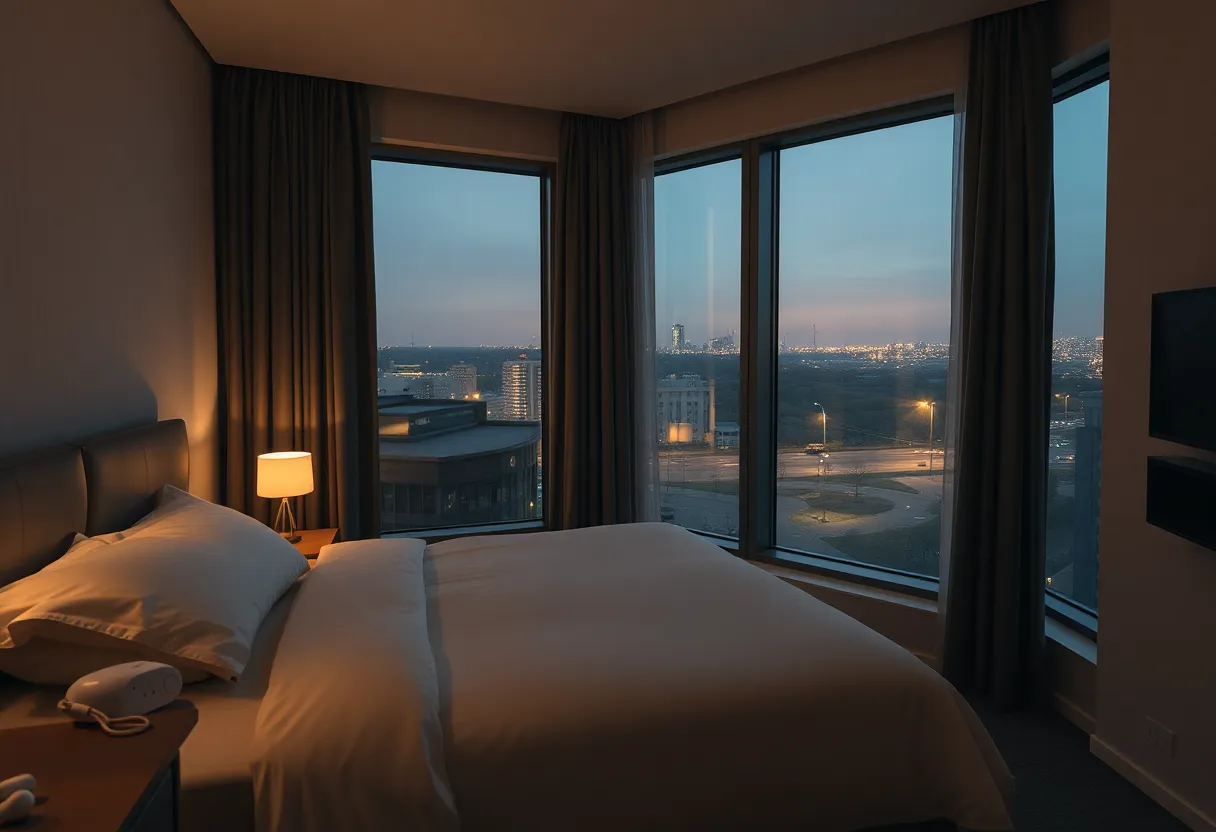
- Face the park or an interior courtyard: Rooms overlooking the grassy square are usually calmer than those facing busy streets or nightlife corridors.
- Steer clear of elevators, ice machines and stairwells: These spots see constant foot traffic and early-morning noise.
- Request upgraded or club-level rooms: They’re often located away from the busiest corridors and come with quieter hallways.
- Check for events or construction: Before you lock in dates, ask the hotel if big conferences, festivals, or nearby construction are scheduled.
- Use the Hilton Honors app: Selecting your room in advance gives you control — pick a room away from the action.
- Call the front desk before arrival: A quick chat lets staff flag quieter rooms and note your preference in the reservation.
What to request at check-in
When you reach the desk, be explicit. Ask for a high-floor room that faces the park or the interior courtyard and confirm it isn’t adjacent to service areas. If they offer a walk-through, check the door sound and listen for HVAC noise. If there’s a club or suite option in a quieter wing, consider upgrading for peace of mind.
Pack these survival tools
- Earplugs and a portable white-noise machine: These are tiny life-savers and especially reliable when the building hums or neighbors run late-night routines.
- Bring a portable fan: A simple fan creates steady white noise and helps mask irregular sounds.
- Use Do Not Disturb: Display it on the door to avoid early housekeeping knockdowns.
Room features to prioritize
Ask for rooms with double-glazed windows, thick carpeting, heavy curtains and solid-sounding doors. These physical features actually make a measurable difference. Also, avoid rooms beside plumbing stacks or electrical closets — those hums and clunks travel.
Timing is everything
Plan stays during weekdays or off-peak months if your schedule allows. Weekends and big event weekends are louder. Also check whether a game or festival falls on your dates and ask the hotel how those nights typically play out for noise levels.
If you wake up to noise
Don’t suffer in silence. Call the front desk and request a move — hotels usually have other rooms and want satisfied guests. If the noise is persistent, ask management about quieter options or a possible upgrade.
Final local reality check
Downtown Nashville is alive for a reason — the music and late-night energy are part of the city’s charm. But in the Hilton, with a few strategic requests and common-sense packing, you can keep that charm outside your window while you sleep undisturbed. Use the app, call ahead, favor high floors and park-facing rooms, and bring your sound tools. You’ll thank yourself the morning after.
FAQ
How high should I book to avoid street noise?
Aim for the top third of the building. Floors near the roof typically cut most street sound.
Should I use the Hilton Honors app to pick my room?
Yes. The app often lets you see and select rooms. Pick one away from elevators and nightlife-facing streets.
Are park-facing rooms noticeably quieter?
Generally yes. Parks act as a buffer between streets and rooms, reducing traffic and crowd noise.
What if my room is noisy after check-in?
Call the front desk and request a move. Most hotels will accommodate or offer alternatives.
Do room upgrades actually help with noise?
Upgrades can place you in quieter wings or higher floors, which often leads to better sleep.
Quick Visual: Quiet Room Feature Guide
| Feature | Impact on Quietness |
|---|---|
| High Floor |
|
| Park / Courtyard View |
|
| Away from Elevators / Ice Machines |
|
| Double-Glazed Windows / Thick Curtains |
|
| White Noise / Earplugs |
|
Final word: Be firm but friendly at the desk, use the app, pick smart features, and pack basic sound tools. Nashville can roar — but you don’t have to hear it from your pillow.
Deeper Dive: News & Info About This Topic
HERE Resources
What to know before booking Hilton Nashville Downtown for concert nights
What to expect at JW Marriott Nashville on concert nights: noise, parking & best rooms
How to book the cheapest stay at JW Marriott Nashville without losing room perks
How to get a quiet room at Sheraton Grand Nashville: tips for light sleepers & noise‑free stays
Hilton Nashville Downtown vs Omni Nashville: which is better for concert‑goers?
How to score the best rate at Hilton Nashville Downtown — booking, parking & upgrade hacks
Nashville to Host Inaugural NABC Music City Golf Fundraiser
Nashville Battling Severe Storms: Lightning and Tornado Warnings
First Responders Tackle Wildfires in Los Angeles County

Author: HERE Nashville
The NASHVILLE STAFF WRITER represents the experienced team at HERENashville.com, your go-to source for actionable local news and information in Nashville, Davidson County, and beyond. Specializing in "news you can use," we cover essential topics like product reviews for personal and business needs, local business directories, politics, real estate trends, neighborhood insights, and state news affecting the area—with deep expertise drawn from years of dedicated reporting and strong community input, including local press releases and business updates. We deliver top reporting on high-value events such as CMA Fest, Bonnaroo Music & Arts Festival, and Nashville Pride Festival. Our coverage extends to key organizations like the Nashville Area Chamber of Commerce and Nashville Health Care Council, plus leading businesses in healthcare, automotive, and technology that power the local economy such as HCA Healthcare, Bridgestone Americas, and Asurion. As part of the broader HERE network, including HEREBristol.com, HEREChattanooga.com, HEREKnoxville.com, and HEREMemphis.com, we provide comprehensive, credible insights into Tennessee's dynamic landscape.